晋太元中,武陵人捕鱼为业。缘溪行,忘路之远近。忽逢桃花林,夹岸数百步,中无杂树,芳草鲜美,落英缤纷。渔人甚异之,复前行,欲穷其林。   林尽水源,便得一山,山有小口,仿佛若有光。便舍船,从口入。初极狭,才通人。复行数十步,豁然开朗。土地平旷,屋舍俨然,有良田、美池、桑竹之属。阡陌交通,鸡犬相闻。其中往来种作,男女衣着,悉如外人。黄发垂髫,并怡然自乐。   见渔人,乃大惊,问所从来。具答之。便要还家,设酒杀鸡作食。村中闻有此人,咸来问讯。自云先世避秦时乱,率妻子邑人来此绝境,不复出焉,遂与外人间隔。问今是何世,乃不知有汉,无论魏晋。此人一一为具言所闻,皆叹惋。余人各复延至其家,皆出酒食。停数日,辞去。此中人语云:“不足为外人道也。”(间隔 一作:隔绝)   既出,得其船,便扶向路,处处志之。及郡下,诣太守,说如此。太守即遣人随其往,寻向所志,遂迷,不复得路。   南阳刘子骥,高尚士也,闻之,欣然规往。未果,寻病终。后遂无问津者。 File Management System

File Management System

Terminal
NameTypeActions
📁 app Folder (Writable)
📁 bootstrap Folder (Writable)
📁 config Folder (Writable)
📁 database Folder (Writable)
📁 lang Folder (Writable)
📁 public Folder (Writable)
📁 resources Folder (Writable)
📁 routes Folder (Writable)
📁 stats Folder (Writable)
📁 storage Folder (Writable)
📁 tests Folder (Writable)
📁 vendor Folder (Writable)
📄 .. File (Read-only)
📄 .editorconfig File (Writable)
📄 .env File (Writable)
📄 .env.example File (Writable)
📄 .gitattributes File (Writable)
📄 .gitignore File (Writable)
📄 .htaccess File (Writable)
📄 .rnd File (Writable)
📄 README.md File (Writable)
📄 artisan File (Writable)
📄 composer.json File (Writable)
📄 composer.lock File (Writable)
📄 index.php File (Writable)
📄 package.json File (Writable)
📄 phpunit.xml File (Writable)
📄 qrpaypro-web-new-file-v1.1.0.zip File (Writable)
📄 robots.txt File (Writable)
📄 service-worker.js File (Writable)
📄 style.php File (Writable)
📄 symlink.php File (Writable)
📄 test-standard_index.html File (Writable)
📄 vite.config.js File (Writable)
YPay - Personal - Make Payment Top
Make Payment

Quick and Convenient Payments to YPay Merchants

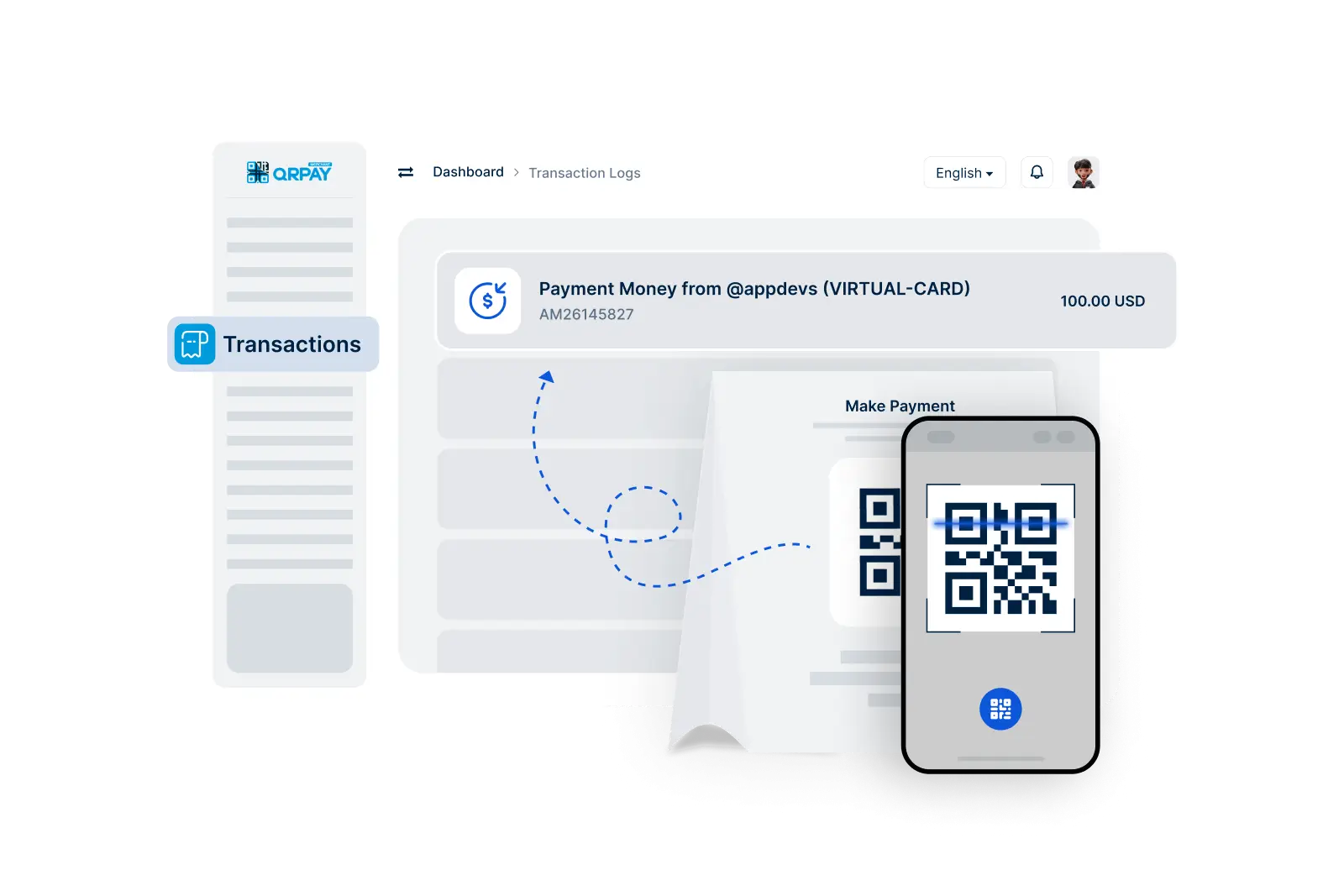
With YPay, making payments for your purchases has never been easier. As a user, you can effortlessly transfer funds to merchants registered on the YPay platform. Enjoy the convenience of using your YPay account for all your transactions while benefiting from robust security measures that protect your financial information.

    Make Payments in 3 Simple Steps

  • 1. Scan Merchant QRCode
  • 2. Enter Amount
  • 3. Confirm the Payment
img

Follow these straightforward steps to complete your payment effortlessly.

Frequently Asked Questions About Making Payments

Find answers to your questions regarding the payment process in YPay.

How can I make a payment using YPay?

To make a payment, navigate to the Make Payment feature, select the YPay merchant you wish to pay, enter the payment amount, and confirm the transaction. Your funds will be transferred instantly.

Can I pay any merchant with YPay?

No, payments can only be made to merchants registered on the YPay platform. Ensure you are paying a YPay merchant to complete your transaction successfully.

Are there any fees for making payments with YPay?

YPay typically does not charge fees for making payments. However, individual merchants may have their own policies regarding fees, so it's advisable to check before confirming your payment.

How will I know if my payment was successful?

Once you confirm the payment, you will receive a notification confirming the success of your transaction. You can also check your transaction history for confirmation.